
eTrackPad
Turn your iPhone or iPad into a full trackpad for your Mac.
- iOS
- macOS
Screenshots

Features
-
Low latency
A direct device-to-device link over Wi-Fi, USB, or Bluetooth. No internet required.
-
Encrypted connection
The connection between your iPhone or iPad and your Mac is encrypted.
-
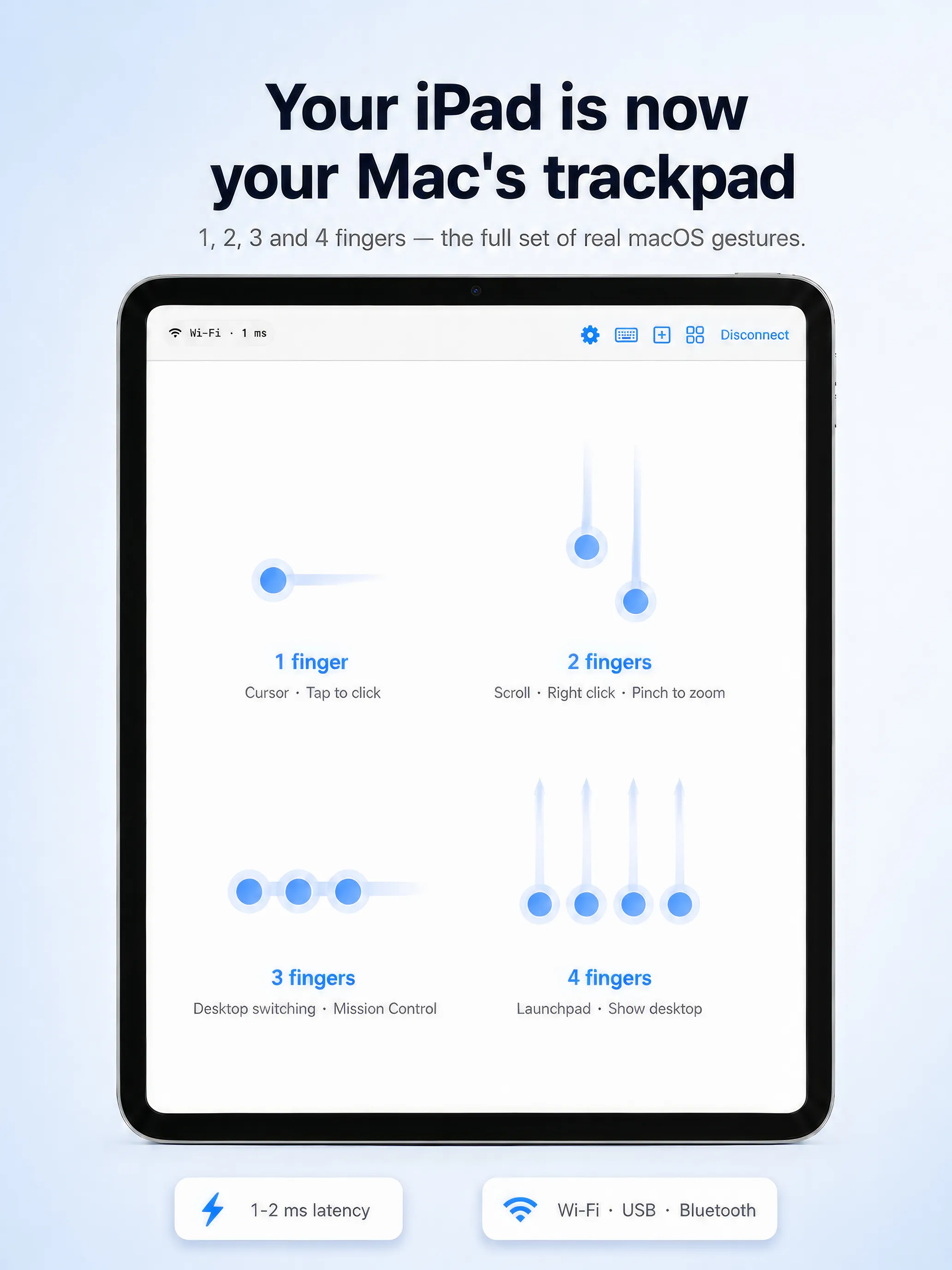
Real trackpad feel
Point, click, drag, and multi-touch gestures — drive the Mac cursor directly from the screen.
-
Wired USB mode (Pro)
Connect over USB for the lowest possible latency, with no wireless delay at all.
-
Direct connection
Your iPhone or iPad connects straight to your Mac over Wi-Fi, USB, or Bluetooth.
-
Free Mac app
The Mac app is free. Pro features unlock with a single one-time purchase.
How it works
- Download the Mac app and drag it into Applications.
- On first launch, grant the Accessibility permission (needed to move the cursor).
- Install the eTrackPad iOS app from the App Store.
- On the same Wi-Fi network, your Mac shows up automatically — enter the 6-digit code.
- Your touchscreen is now a trackpad.
Why the Accessibility permission?
eTrackPad uses the macOS Accessibility API to move the cursor — without it, no app can control the pointer. You can grant it under System Settings → Privacy & Security → Accessibility.
FAQ
Is there a wired option? Yes — a wired USB connection is a Pro feature and gives you the lowest latency.
Do I need internet? No. The connection is directly between your devices (Wi-Fi, USB, or Bluetooth); nothing leaves your local network.
Is it secure? Yes — the connection between your devices is encrypted.
macOS 13+ · free Mac app · Pro is a one-time purchase.